
Technology & Automation
8 Best Equipment Rental Software (2026 Pricing & Features)
by Platuni | 09 Jan, 2026 | 10 mins read
Platuni
09 January, 2026
10 mins read

In the equipment rental industry, operational challenges never stop. From Inventory mix-ups, scheduling conflicts, to delayed maintenance, and billing errors, all these can quickly disrupt efficient workflows. Add human error into the equation, and even small oversights can lead to costly downtime, lost revenue, and frustrated customers.
Fortunately, rental software for equipment eliminates much of this friction. By centralizing inventory, automating billing, tracking maintenance, and improving customer communication, these platforms transform how rental businesses operate. The right rental software for equipment does not just simplify daily tasks, it increases asset utilization, improves cash flow, and supports scalable growth.
However, with dozens of rental software for equipment solutions available, choosing the right one can feel overwhelming. Pricing models vary widely, from low-cost subscriptions to enterprise-level systems and one-time lifetime licenses. Features differ in scope, automation, and usability. What works for a small rental shop may not suit a multi-location operation managing high-value assets.
Also Read: How To Stay Healthy During Business Trips
Rental Software for Equipment
| Software | Starting Price | Free Trial | Best For |
|---|---|---|---|
| Booqable | $29/month (Essential) | Yes, 14-day trial | Small rental businesses wanting online bookings and simplicity |
| EZRentOut | $89/month ($79 billed annually) | Not stated | Businesses needing detailed reporting and financial integrations (construction, IT, events) |
| Rentman | $39/month base, plus per-user add-ons | Not stated | Project-based rentals, event production, AV, media companies |
| Quipli | $6,000/year per location | Not stated | Retail-style rental businesses with online bookings |
| RentMy | Mid-sized to large rental businesses | Not stated | Peer-to-peer / marketplace rental platforms |
| Point of Rental | $540/month (3 users) | Not stated, quote-based | Mid-sized to large rental businesses |
| HireHop | Free version available; paid from $50/month | Yes, free tier | Small and mid-sized businesses wanting accounting integrations at lower cost |
| RentMaster | $1,695 one-time (Standard, single user) | Not applicable, one-time license | Businesses preferring a one-time purchase over subscriptions |
#1. Booqable
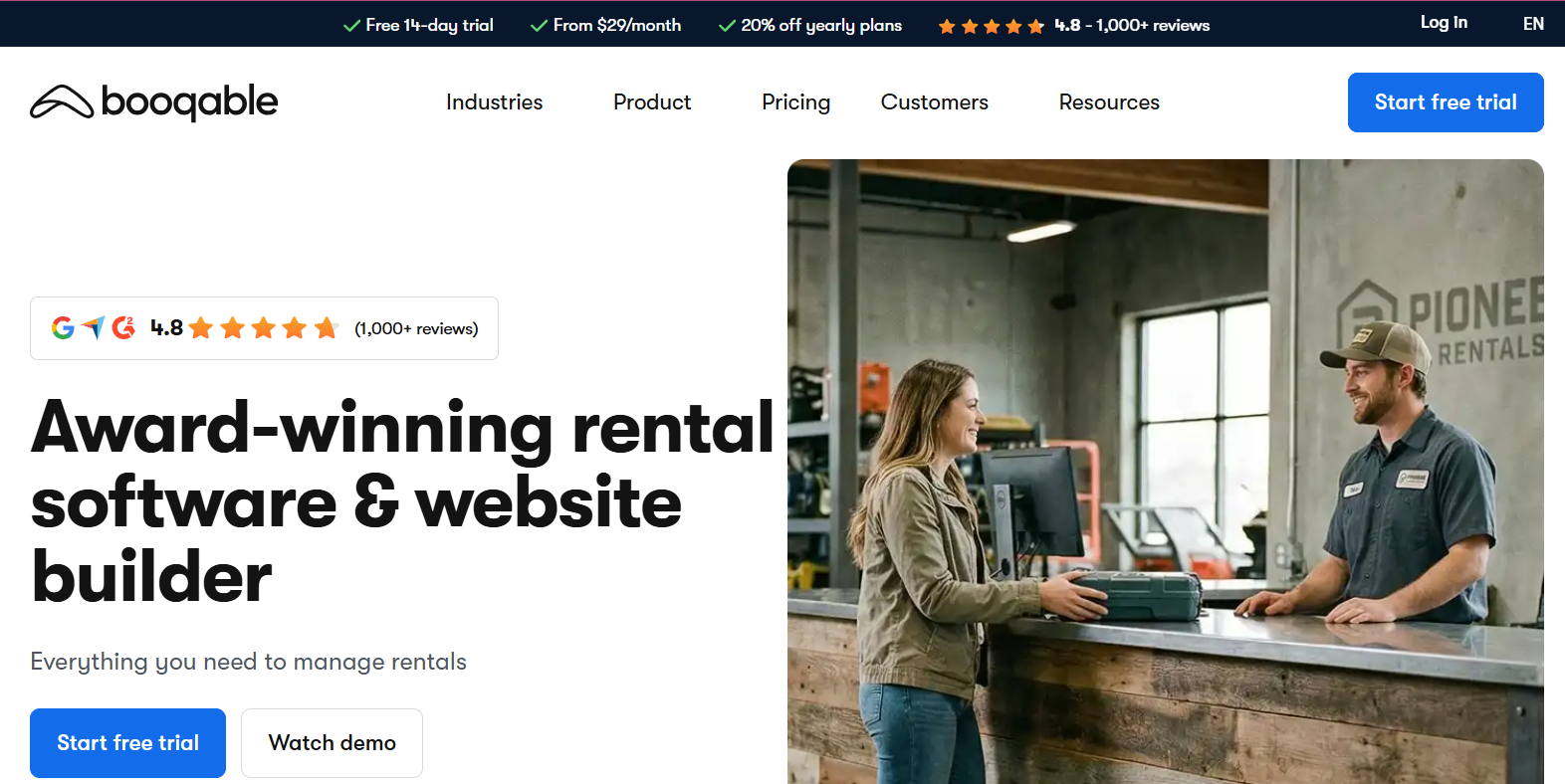
Booqable is a rental software for equipment that targets small to medium-sized rental businesses with an emphasis on online bookings and ease of use.
Pricing
- Essential: $29/month – 2 staff accounts
- Pro: $79/month – 5 staff accounts
- Premium: $249/month – 15 staff accounts
Includes a 14-day free trial. Extra users and locations incur additional costs.
Best Features
- Real-time inventory tracking
- Built-in online booking system
- Order and contract management
- Mobile app
- Payment processing via Stripe and PayPal
Pros
- Very user-friendly
- Strong online storefront features
- Flexible pricing rules
Cons
- Advanced features locked behind higher tiers
- Extra fees for additional users or locations
Booqable is ideal for small rental businesses that need online bookings and simplicity, but scaling can increase costs
#2. EZRentOut
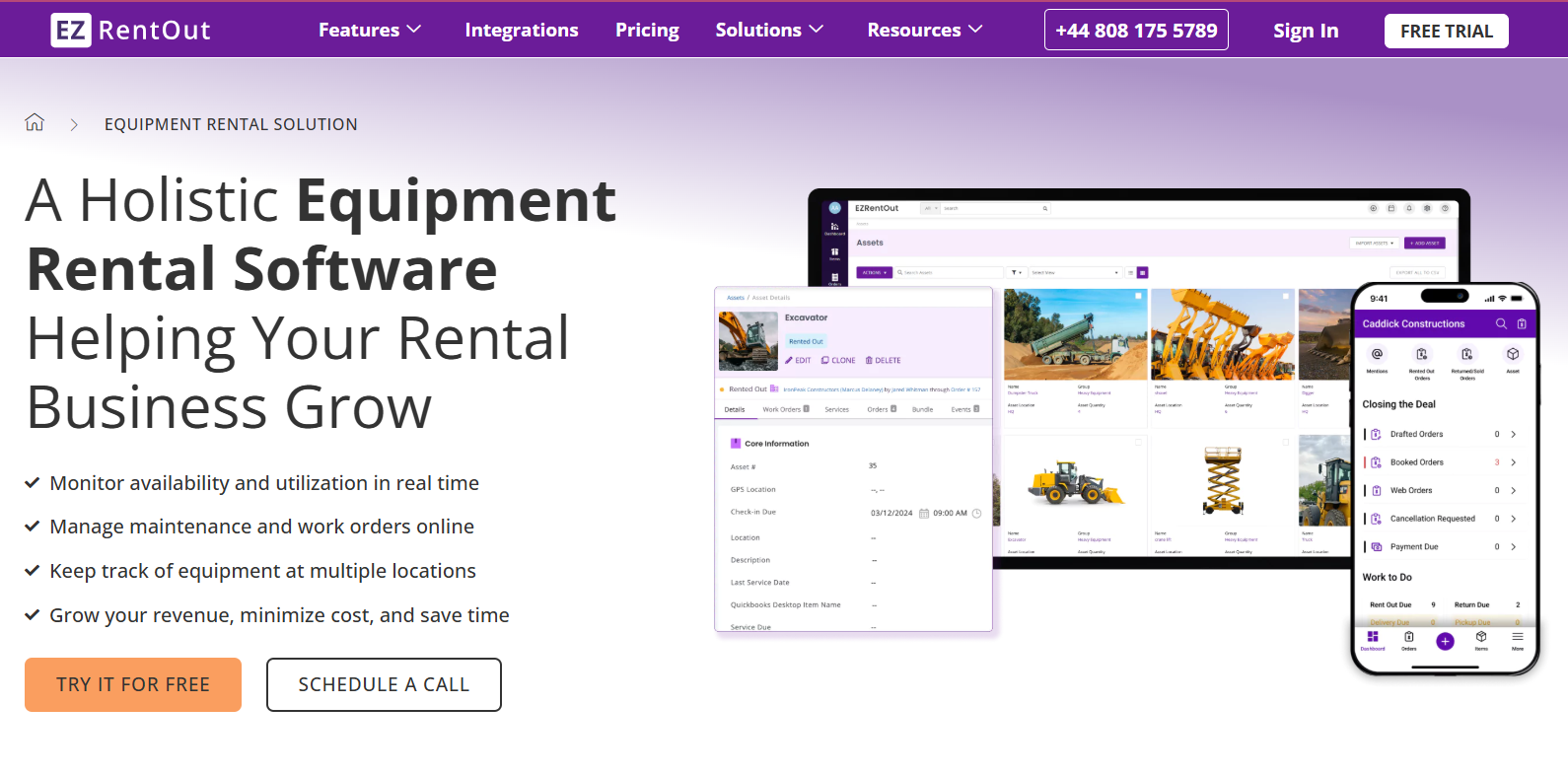
EZRentOut is a cloud-based rental software for equipment widely used across construction, IT, and event rentals. It emphasizes asset tracking, billing, and reporting.
Pricing
- Essential: $89/month ($79 billed annually) – 2 users
- Growth: $179/month ($149 billed annually) – 4 users
- Premium: $349/month ($299 billed annually) – 6 users
All plans include order management, bookings, mobile apps, QR/barcode labeling, advanced pricing rules, and credit card processing.
Best Features
- Order and invoice management
- Detailed asset tracking and inventory alerts
- Advanced reporting and analytics
- Customizable online webstore
Pros
- Highly customizable
- Integrates with QuickBooks and Xero
- User-friendly interface
Cons
- Setup can be complex
- Mobile app is less robust than desktop
- Higher-tier pricing may deter small businesses
EZRentOut offers strong customization and financial integration. It suits businesses needing detailed reporting but may feel costly as teams scale.
Also Read: How Frequent Travel Can Enhance Your Networking Opportunities
#3. Rentman
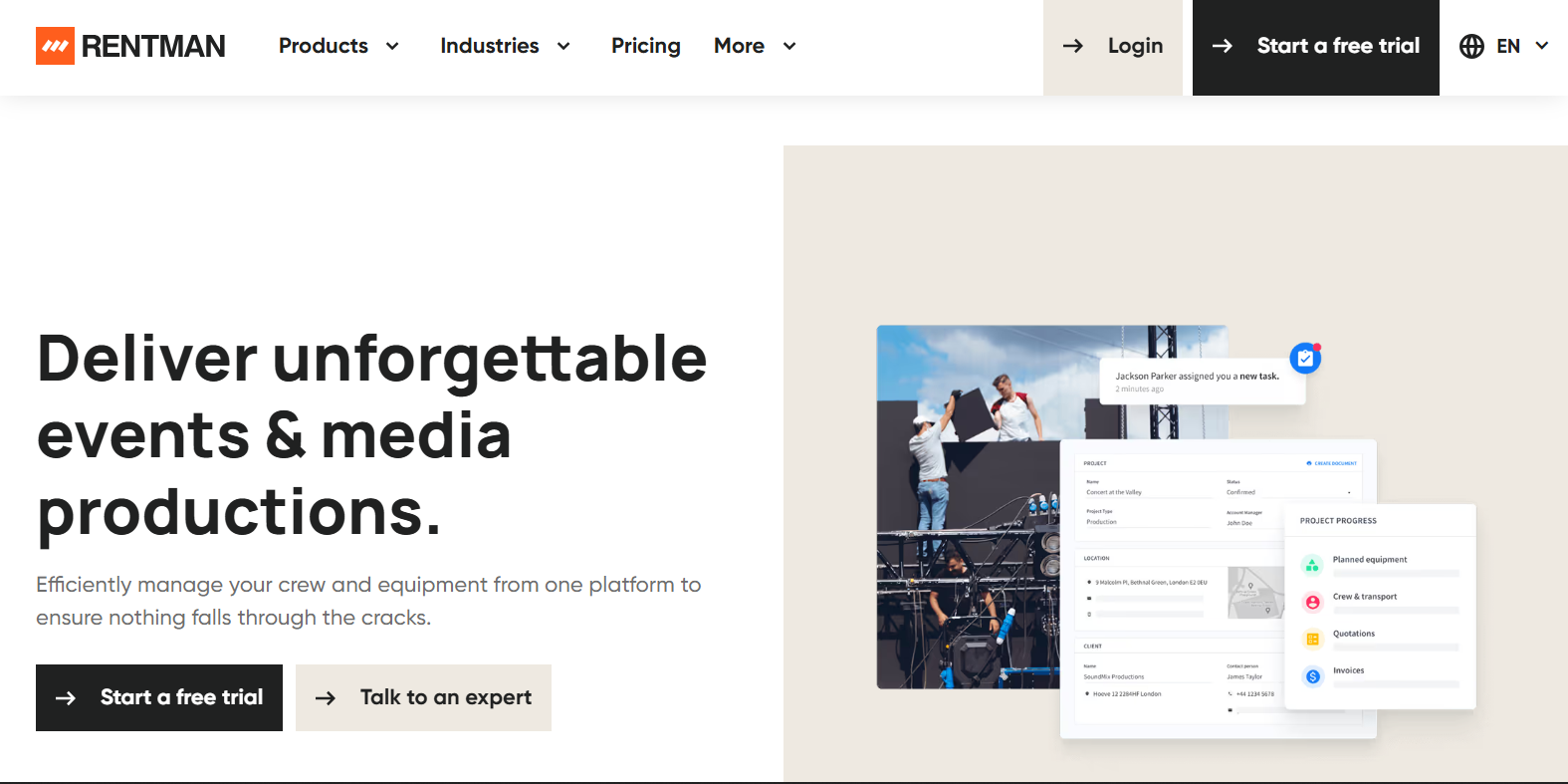
Rentman is a modular rental software for equipment designed for event production, AV, and media companies.
Pricing
- Base platform: $39/month
- Add-ons priced per “Power User”:
- Equipment scheduling: $19–$25/user/month
- Crew scheduling: $9–$25/user/month
- Equipment tracking: $9/user/month
- Quoting & invoicing: $9/user/month
This pay-for-what-you-use structure provides flexibility but can increase costs with scale.
Best Features
- Real-time inventory tracking
- Crew and equipment scheduling
- Invoicing and quoting
- Maintenance logging
- Mobile app for field operations
Pros
- Highly intuitive interface
- Strong project and logistics management
- Customizable workflows
Cons
- Setup can be time-consuming
- Advanced features require higher-tier add-ons
Rentman is excellent for project-based rentals and production environments, but modular pricing may become expensive as needs expand.
#4. Quipli – Web-Based Rental Management
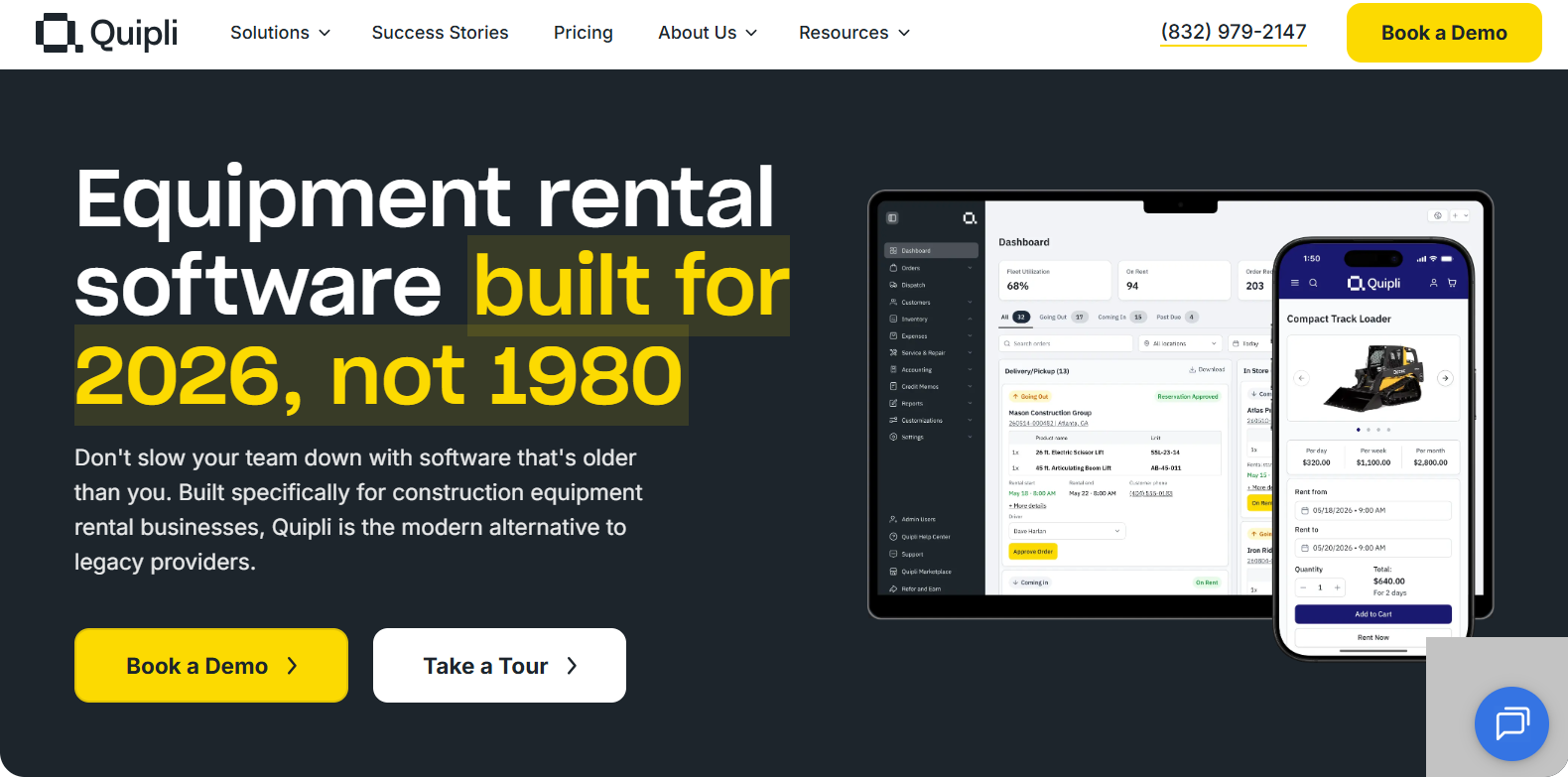
Quipli offers a cloud-based rental software for equipment for rental stores looking to digitize inventory and reservations.
Strengths:
- Online storefront
- Rental scheduling
- Payment processing
Limitations:
Maintenance automation, analytics depth, and document management are less comprehensive
Best for:
Retail-style rental businesses with online bookings.
Pricing:
6,000USD Per year, per location Unlimited users, Unlimited inventory, Fast customer support
#5. RentMy – Peer-to-Peer Equipment Rentals
RentMy is a rental software for equipment designed for marketplaces that allow individuals to rent out equipment.
Strengths:
- Peer-to-peer marketplace tools
- Listing management
- Basic transaction handling
Limitations:
Not built for large fleets, enterprise billing, or operational automation
Best for:
Community or marketplace-based rental platforms.
Also Read: How Cultural Festivals and Celebrations Strengthen Workplace Unity
#6. Point of Rental
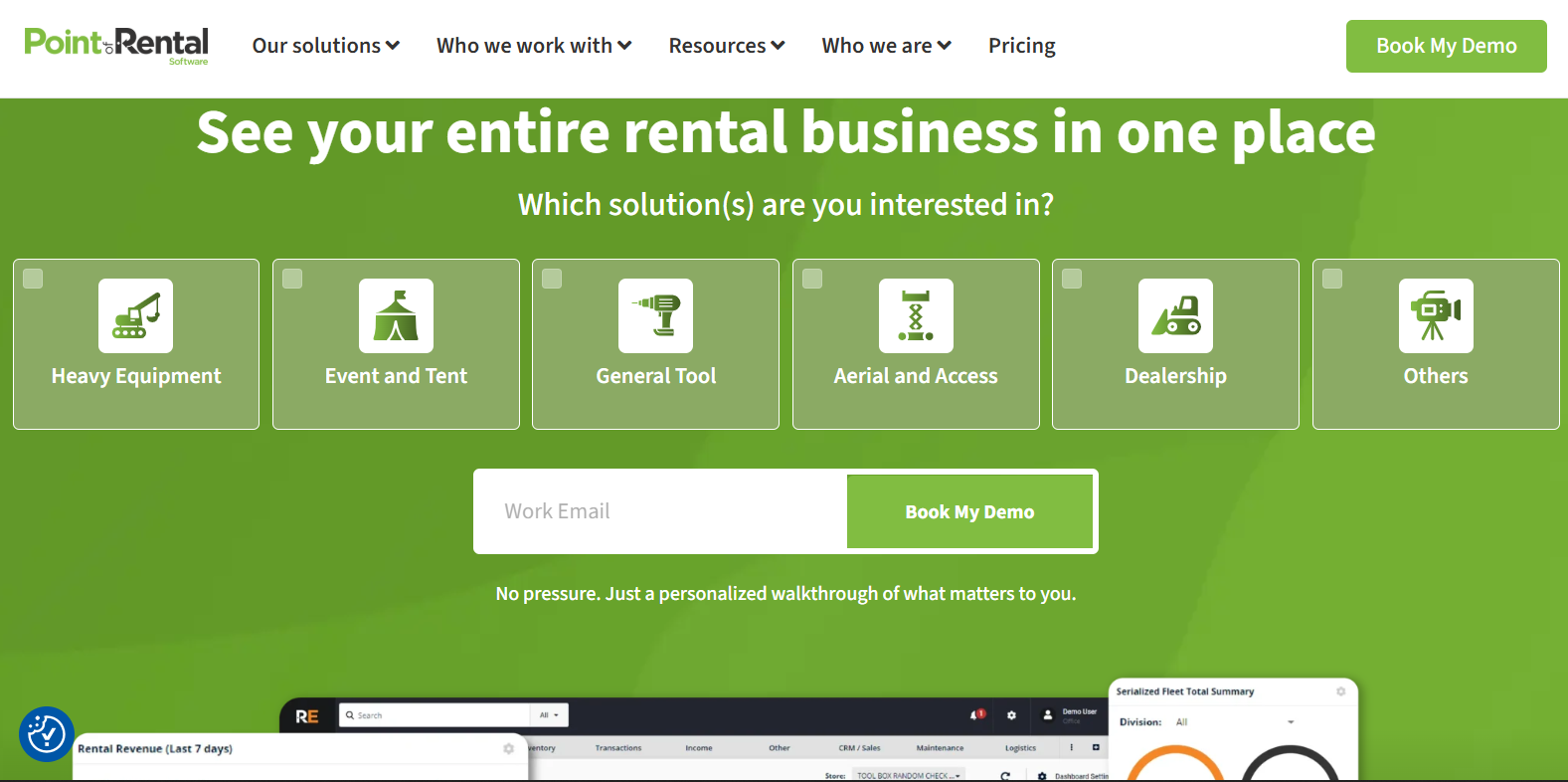
Point of Rental is an all-in-one rental software for equipment serving small businesses to large enterprises with both cloud-based and on-premise deployment.
Pricing
- Plans start at approximately $540 per month for 3 users
- Two main options:
- Essentials: Cloud-based for SMBs
- Elite: On-premise ERP-style system for enterprises
Pricing is available by quote.
Best Features
- Inventory and order management
- Online bookings and contracts
- Maintenance automation with job tracking
- Dispatch and delivery routing
Pros
- Extremely comprehensive feature set
- Intuitive interface
- Continuous updates and new features
Cons
- Customer support inconsistencies
- Advanced features can be complex
- Higher cost than many competitors
Point of Rental is powerful and scalable but best suited for mid-sized to large rental businesses with the budget and resources to manage its complexity.
#7. HireHop
HireHop is a flexible cloud-based rental software for equipment offering both free and paid plans.
Pricing
- Free version: Limited features, single user
- Paid version:
- $50/month for first user
- $25/month for each additional user
Includes full features, upgrades, and customer support.
Best Features
- Inventory and barcode management
- CRM and task management
- Accounting integrations (Xero, QuickBooks, Sage)
- Document creation
- Route planning and driver app
Pros
- Cost-effective entry point
- Full accounting integrations
- Cloud accessibility
Cons
- Learning curve for advanced tools
- Free version lacks critical features
HireHop is a strong value option for small and mid-sized businesses seeking robust features at a lower monthly cost.
Also Read: Tips for Harmonious Co-living | Living with Roommates
#8. RentMaster
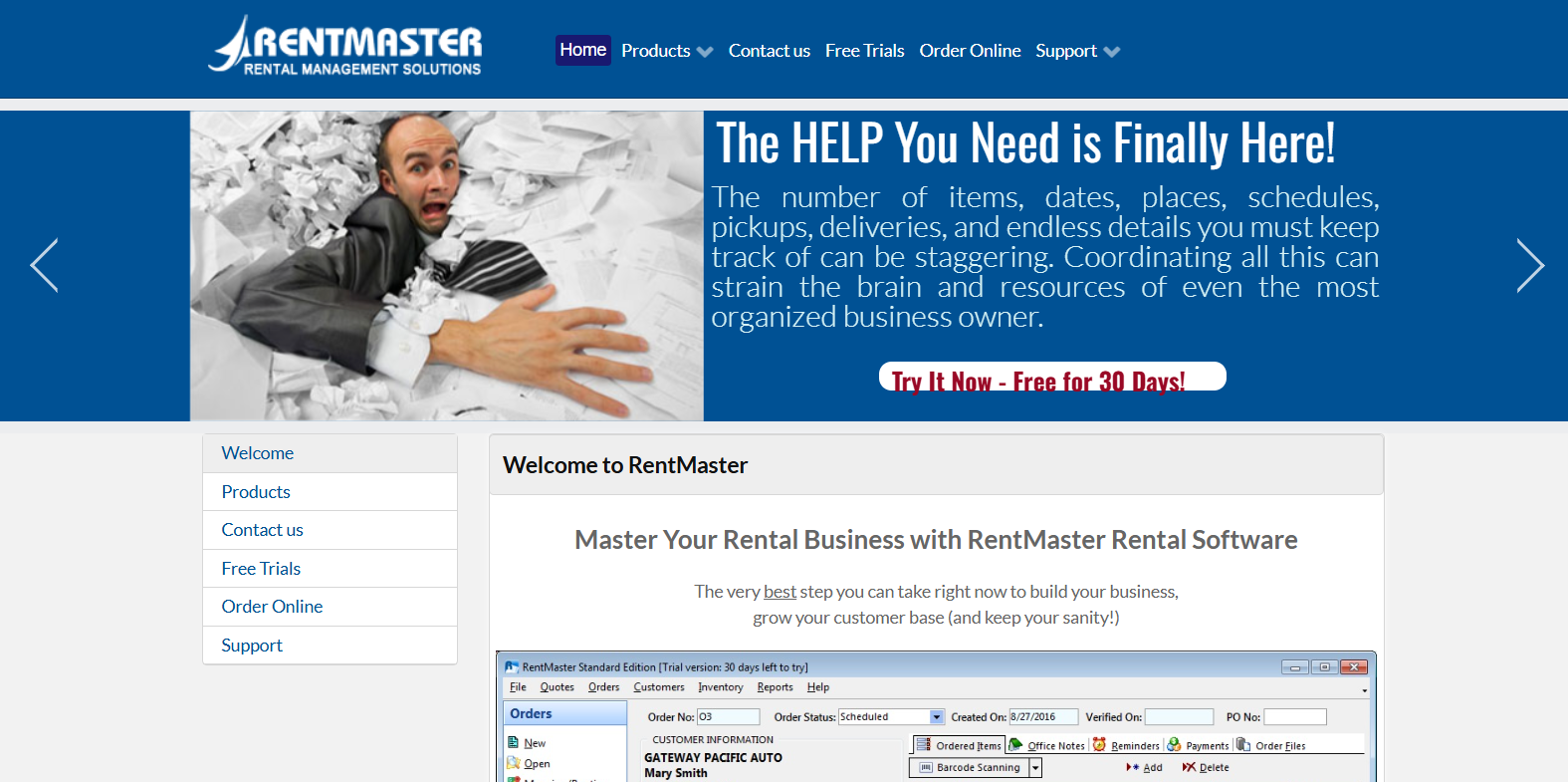
RentMaster is a desktop-based rental software for equipment offering lifetime licenses rather than subscriptions.
Pricing (One-Time Purchase)
- Standard Edition:
- Single User: $1,695
- Multi-User: $3,695
- Equipment (EQ) Edition:
- Single User: $2,695
- Multi-User: $5,295
Includes lifetime support and no recurring fees.
Best Features
- Inventory and order management
- CRM and POS integration
- Reporting and analytics
Pros
- No monthly fees
- Easy-to-use interface
- Strong core rental features
Cons
- Limited cloud access
- Initial setup complexity
- Advanced features require higher editions
RentMaster is cost-effective long term but lacks the flexibility and mobility of cloud-based platforms.
Conclusion
Choosing the right rental software for equipment depends on your operational size, automation needs, and budget. Subscription-based platforms like EZRentOut, and Rentman offer scalability and advanced features, while solutions like HireHop provide affordability and flexibility. RentMaster appeals to businesses that prefer a one-time investment over ongoing fees.
The key to selecting rental software for equipment is to choose the one that integrates smoothly with your workflows, reduces manual work, and supports long-term growth. Use the pricing structures and feature comparisons in this guide to evaluate which platform delivers the best value for your specific business model.
Also Read: Best Budget Activity for Students | Stay Social & Save
Frequently Asked Questions on Rental Software for Equipment
What is rental software for equipment?
It is a centralized system that manages inventory, bookings, maintenance, invoicing, and reporting.
Who should use rental software for equipment?
Any business that rents equipment, including construction, agriculture, logistics, events, and industrial services.
What features matter most?
Asset tracking, preventive maintenance, billing automation, customer communication, reporting, and mobile access.
How does it improve operations?
It prevents double bookings, reduces downtime, improves maintenance compliance, and provides real-time visibility.
Is cloud-based software better than desktop-based?
Yes. Cloud-based rental software for equipment offer remote access, scalability, automatic updates, and better collaboration across teams.
Stay Informed
Subscribe to the Platuni B2B Newsletter to receive industry insights,
new feature announcements, and exclusive growth reports
Related Posts
SEPTEMBER 21, 2026
How to Automate Rental Property Management: 10 Tasks Landlords Can Stop Doing Manually
Ten repetitive landlord tasks, rent reminders, payment checks, report building, that automation can take over while judgment calls stay with the landlord.
Learn more
SEPTEMBER 18, 2026
Leasing Automation Software for Property Managers: What It Automates & What It Costs (2026)
Which steps in the leasing workflow are actually worth automating, what that automation costs, and who it isn't worth it for.
Learn more