
Property Management & Operations
How to Create a Dashboard in Excel for Property Management
by Platuni | 19 Mar, 2026 | 8 mins read
Platuni
19 March, 2026
8 mins read
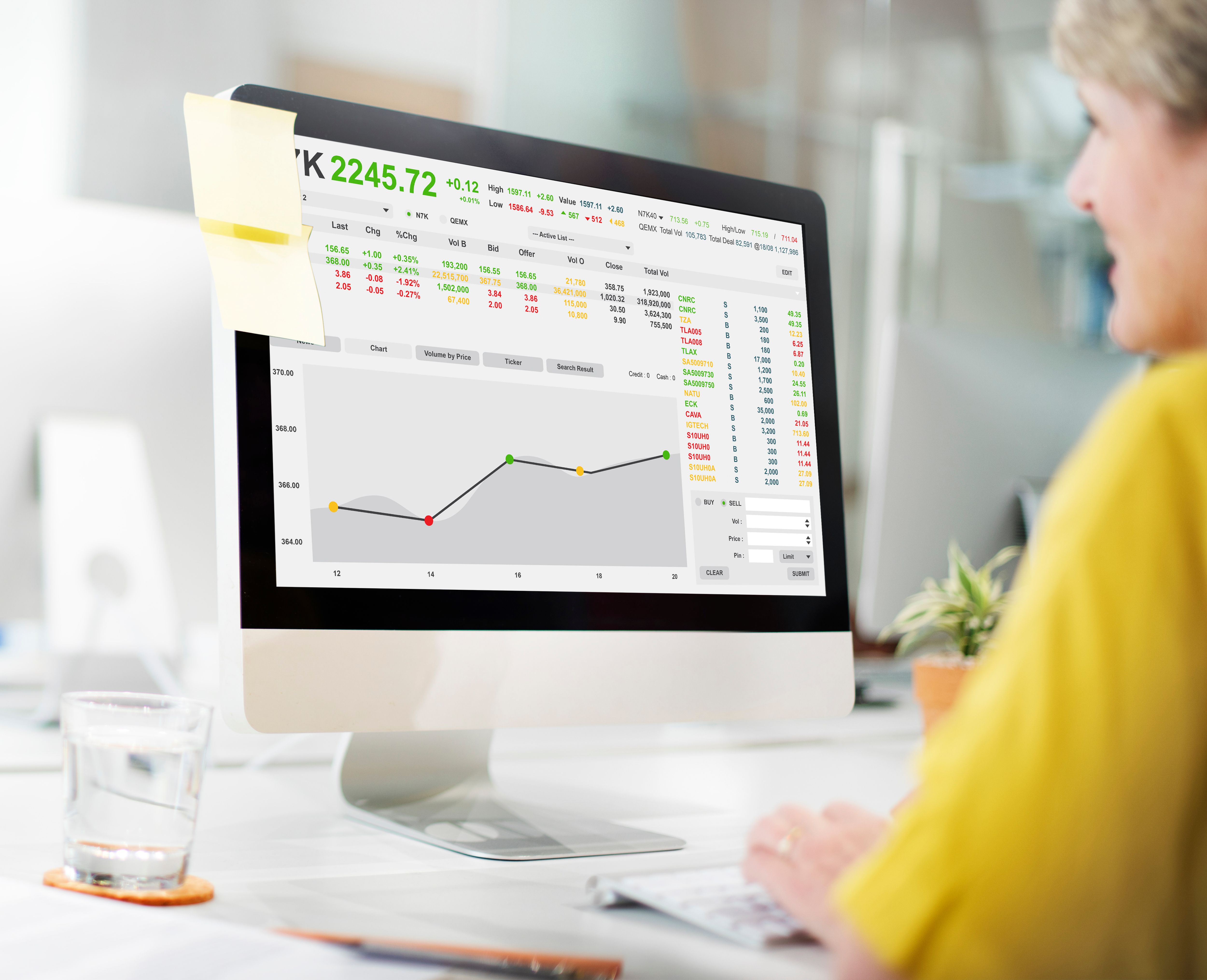
Data has become the backbone of modern property operations. Whether you manage a single apartment complex or a multi‑regional portfolio, the ability to interpret performance metrics at a glance is what transforms reactive management into strategic leadership. As property management continues to digitalize, more landlords, operators, and administrators are searching for ways to analyze information efficiently. This has led many professionals to explore how to create a dashboard in Excel, a solution known for being both affordable and powerful.
Excel remains one of the most widely used tools for operational reporting because it combines accessibility, flexibility, and sophisticated analytical capabilities. According to Microsoft’s official Excel overview, the platform is designed for data modeling, visualization, and automation, making it ideal for business analytics. Most property professionals are already familiar with Excel, which reduces the learning curve significantly. When combined with structured operational data exported from platforms such as Platuni, Excel dashboards become indispensable for decision-making, compliance tracking, and performance oversight.
Creating a dashboard in Excel, however, requires more than placing charts on a sheet. It demands a clear understanding of operational priorities, the careful selection of meaningful metrics, the preparation of clean data, and the design of visually intuitive reports that support timely and accurate decision‑making. This article explores, in detail, how property managers can create a dashboard in Excel that supports transparent reporting, reduces inefficiencies, and elevates the overall standard of property governance.
Also Read: Platuni vs Avail | Which Property Tool Is Better?
Purpose of an Excel Property Management Dashboard
Before diving into formulas and charts, it is important to understand why dashboards matter. A dashboard is not just a visual summary but an operational compass that guides daily, monthly, and annual decision-making. Property management involves numerous moving parts, rents, tenants, maintenance, expenses, inspections, compliance schedules, and marketing activity. Without structured reporting, these elements become fragmented and difficult to interpret.
Excel dashboards consolidate information from multiple sources into a single, organized view. Instead of navigating separate spreadsheets for leases, rent rolls, maintenance records, or financial logs, the dashboard brings everything together in one accessible report. Deloitte’s insights on digital transformation in real estate highlight that structured reporting helps organizations identify operational waste and revenue leakage more efficiently. Dashboards help property managers visualize patterns, monitor performance over time, and detect issues early.
Platforms like Platuni enhance this reporting process by centralizing property activities into structured digital logs. Because the data exported from Platuni follows consistent formatting and clear data structures, Excel can interpret it easily, reducing manual data preparation time and helping organizations maintain strong documentation for audits, inspections, and performance reviews.
Choosing the Right Metrics for Your Dashboard
The usefulness of an Excel dashboard depends heavily on the quality and relevance of the metrics displayed. Property management covers a wide range of KPIs, and selecting the right indicators ensures the dashboard remains meaningful rather than overwhelming. The U.S. General Services Administration emphasizes that consistent metrics are essential for operational visibility and long‑term improvement. Too many metrics create clutter, while too few weaken the effectiveness of decision‑making.
An apartment manager creating a dashboard may begin with indicators such as occupancy rate, monthly rent collection, open maintenance requests, leasing velocity, and operating expenses. These metrics offer immediate insight into daily operations. A portfolio manager overseeing multiple buildings may instead focus on net operating income, year‑over‑year revenue trends, portfolio‑wide occupancy comparisons, and capital expenditure status. The key is to align dashboard metrics with strategic goals.
How to Create a Dashboard in Excel
#1 Prepare and Structure Your Data
Clean and properly structured data is the foundation of any dashboard. Microsoft’s Excel documentation stresses the importance of using structured tables, consistent formats, and standardized data types to ensure formulas, PivotTables, and charts are calculated correctly. Poorly structured data leads to formatting errors, inaccurate results, and unreliable reporting.
Data preparation begins by organizing information into separate sheets with clear labels. Rent roll data should include fields such as tenant name, unit number, monthly rent, payment status, lease start and end dates, and any relevant notes. Maintenance records should be stored separately, with fields for request dates, issue categories, priority, vendor involvement, cost, and completion dates. Financial data should contain categorized income and expenses with dates, amounts, and classifications.
It is essential to avoid merged cells, mixed date formats, inconsistent numeric entries, and manually inserted totals. These mistakes disrupt formulas and hinder the dashboard’s responsiveness. Platforms like Platuni reduce this burden significantly because exported datasets already adhere to structured formatting standards.
#2 Create PivotTables for Data Analysis
PivotTables are the analytical engine behind most Excel dashboards. They allow property managers to summarize large volumes of data, group information by categories, identify trends, and calculate meaningful summaries all without writing complex formulas. Microsoft describes PivotTables as one of the most powerful business tools available in Excel.
A PivotTable can instantly summarize collected rent per month, identify the number of vacant units, calculate average maintenance resolution time, or break down expenses by category. Managers can filter information by property, date, unit type, or status, making PivotTables ideal for real-time insights. When linked to structured tables, PivotTables update automatically whenever new data is added.
#3 Build Charts and Visual Elements
Charts are vital because they convert complex calculations into intuitive visualizations. Microsoft’s chart creation guide outlines the best chart types for various data patterns, helping users build clear and informative graphics. A column chart is excellent for comparing month‑to‑month rent collection, while a line chart is better suited for year‑over‑year revenue trends. A bar chart works well for showing the number of maintenance requests by category, and a pie chart can help illustrate expense distribution.
Charts should include descriptive titles, readable labels, and a consistent color palette. Clarity is vital because the purpose of visual reporting is to communicate insights immediately. Platforms like Platuni encourage transparent reporting by ensuring that underlying datasets are accurate and easy to interpret, which enhances the quality of the dashboards built from them.
#4 Design the Dashboard Layout
The layout is where your dashboard begins to take shape. A well‑structured layout helps users understand the information quickly and intuitively. The dashboard should be placed on a dedicated sheet named “Dashboard.” Financial indicators such as revenue, expenses, and rent collection are typically positioned at the top because they are the most frequently referenced metrics. Operational metrics such as occupancy rate, leasing performance, and maintenance activity can be placed beneath them. Compliance indicators, such as upcoming inspections or expiring documents, can be positioned strategically to keep managers aware of important deadlines.
Interactive elements such as slicers improve the user experience significantly. Slicers allow users to filter data across multiple PivotTables or PivotCharts simultaneously. Microsoft’s guide on slicers explains how they enhance dashboard interactivity. When combined with PivotCharts, slicers transform static reports into dynamic analytical tools.
Platuni’s structured compliance and maintenance data aligns naturally with dashboard layouts. For example, maintenance records exported from Platuni can be visualized through charts showing response times, request categories, and vendor performance, valuable insights for property managers focused on operational reliability.
Also Read: Incident Report Template | How to Document Property Incidents
#5 Use Formulas to Automate KPI Calculations
Although PivotTables handle most analysis, formulas play an important role in summarizing KPIs displayed at the top of the dashboard. Excel offers a wide array of functions designed for financial and operational analysis, including SUMIFS, COUNTIFS, AVERAGEIFS, XLOOKUP, and date‑based calculations. Microsoft’s formula reference guide serves as a reliable resource for constructing these calculations.
Common dashboard calculations include occupancy rate, delinquency rate, average maintenance completion time, and net operating income. These formulas should be placed in dedicated KPI sections so the dashboard remains clean and easy to interpret. Using Excel’s formula auditing tools can help ensure accuracy and consistency.
#6 Enhance the Dashboard with Conditional Formatting
Conditional formatting adds clarity by highlighting data that requires attention. Microsoft’s official documentation explains how users can apply rules to emphasize specific data points based on numerical values, text, or dates. Conditional formatting can automatically highlight overdue rent payments, flag vacant units, or draw attention to maintenance requests that exceed service-level expectations. These visual cues help managers respond quickly and appropriately.
Connecting Platuni Data with Excel for Smarter Insights
One of the most powerful ways to enhance a property management dashboard is by connecting Excel with organized and structured data from a property management platform. Platuni stores time‑stamped information about payments, maintenance, inspections, compliance requirements, communication, and more. Exporting this data into Excel ensures that dashboards remain accurate, up‑to‑date, and aligned with operational activity. The consistency of Platuni’s exported data helps eliminate errors, supports audit readiness, and strengthens decision-making across the organization.
Download the Platuni Property Manager App Today
Download the App on the App Store: https://apps.apple.com
Download the App on the Play Store: https://play.google.com
Best Practices for Maintaining an Excel Property Management Dashboard
Maintaining a dashboard is just as important as building one. High‑quality dashboards are reviewed regularly, updated consistently, and used actively during meetings and planning sessions. Protecting sheets and formulas from unintentional edits is essential, and Microsoft provides guidance on how to protect worksheets effectively. Saving dashboards in secure cloud storage is also vital, especially when they contain sensitive tenant or financial information. Using structured systems such as Platuni helps ensure that incoming data remains reliable and consistent, reducing the risk of errors.
Conclusion
Learning how to create a dashboard in Excel for property management is a highly valuable skill that can transform how landlords, managers, and portfolio operators understand and respond to their operations. An effective dashboard consolidates critical information into a visually intuitive and actionable format. When designed correctly and supported by structured data such as exports from Platuni, Excel dashboards become indispensable tools for strategic planning, compliance management, financial reporting, and operational performance. The combination of Excel’s flexibility and well‑organized property data provides property professionals with the clarity and governance structures needed to operate successfully in today’s complex real estate environment.
Frequently Asked Questions on How to Create a Dashboard in Excel for Property Management
Do I need advanced Excel skills to build a property management dashboard?
No. You can build a functional dashboard using basic Excel knowledge, including PivotTables, charts, and formulas. Advanced functions enhance the dashboard but are not required for a strong first version.
What information should be included in a property management dashboard?
Dashboards typically include occupancy levels, rent collection, expenses, maintenance performance, and compliance deadlines. The most important elements depend on your property’s unique operational focus.
Can Excel dashboards update automatically?
Yes. When data tables and PivotTables are correctly structured, dashboards refresh instantly when new data is added or imported.
Why should I integrate Excel dashboards with Platuni?
Platuni provides accurate, structured data for maintenance, compliance, inspections, and leasing. When this data feeds into Excel, dashboards become more reliable, audit‑ready, and easier to maintain across large property portfolios.
Stay Informed
Subscribe to the Platuni B2B Newsletter to receive industry insights,
new feature announcements, and exclusive growth reports
Related Posts

SEPTEMBER 22, 2026
How to Build a Rental Maintenance Workflow From Request to Completion
Defines what should happen after a maintenance request comes in, logging, prioritizing, assigning, verifying, and documenting the repair through to completion.
Learn more
SEPTEMBER 22, 2026
QuickBooks vs Property Management Software for Rental Properties
Explains why QuickBooks and property management software solve different problems, and when a landlord needs one, the other, or both.
Learn more