
Creating a new listing from a unit
by Platuni | 30 Dec, 2025 | 5 mins read
Platuni
30 December, 2025
5 mins read
Creating a listing in Platuni allows you to present an available unit clearly to potential residents. Every listing starts with the details already stored in your unit record, which you can refine and publish when the unit is ready to be shown. A strong listing improves the quality of applicants and sets accurate expectations from the start.
Turn an available unit into a listing
Begin by confirming that the unit is marked as vacant. Once it is available, you can convert it into a listing with a few steps.
How to create the listing
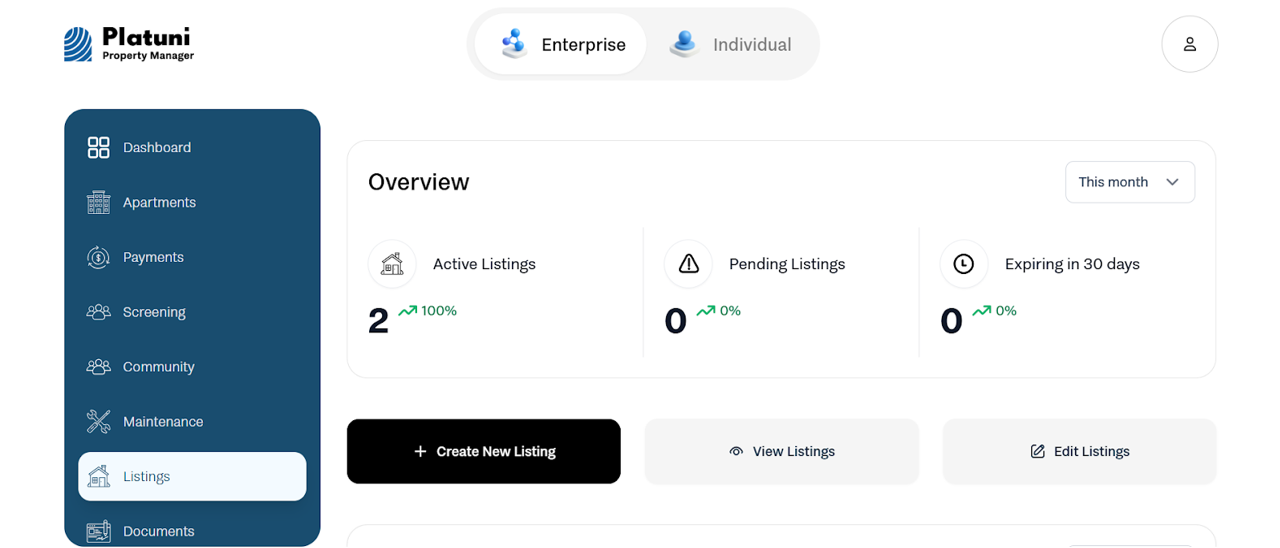
• Open the unit in your dashboard.
• Select Create listing.
• Review the pre-filled information from the unit record.
• Add or adjust any missing details before publishing.
This ensures consistency between your internal records and what applicants see.
Add photos, description, pricing and move in date
Each listing should show applicants a complete picture of the unit.
Photos
Include clear photos of the main living areas, bedrooms, kitchen, bathroom and any shared or outdoor spaces. Good visuals help applicants understand the layout and condition of the home.
Description
Write a straightforward description that highlights the key features of the unit, the layout, included utilities, neighborhood notes or any unique qualities. Keep the information accurate so applicants know what to expect.
Pricing
Confirm that rent, deposits and any recurring fees match the unit’s financial setup. Transparent pricing reduces follow up questions and ensures applicants apply with the right expectations.
Move in date
Set the correct availability date. You can choose immediate availability or a future date depending on cleaning, turnovers or ongoing work.
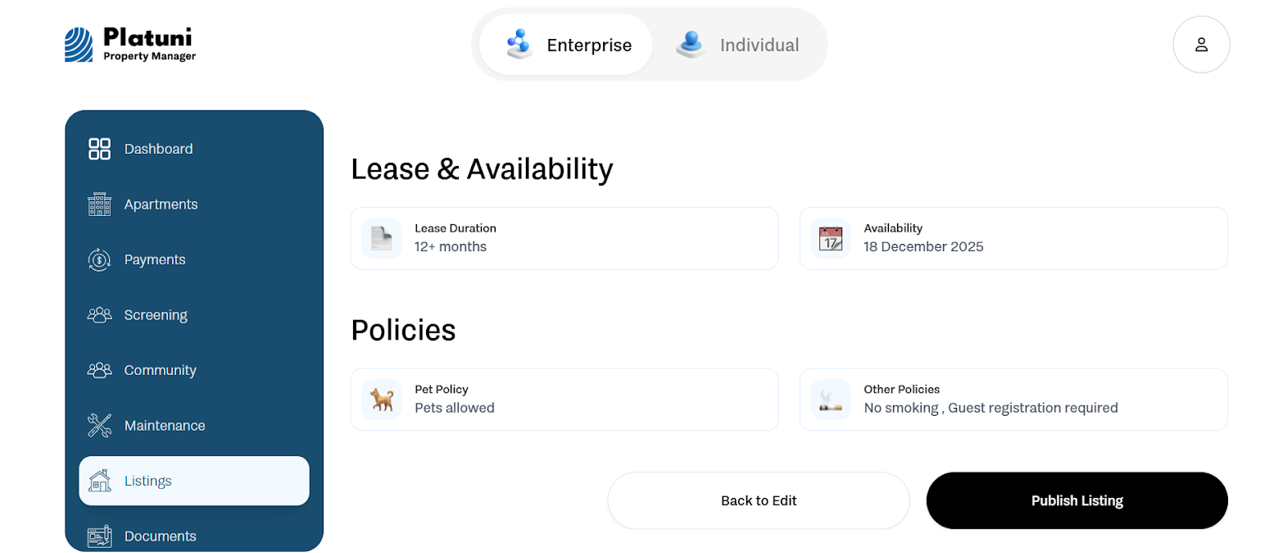
Choose whether the listing is public or private
Platuni gives you control over who can view your listing.
Public listing
• Visible to anyone browsing your property listings
• Accepts general applications
• Ideal for standard leasing and open marketing
Private listing
• Only visible through a direct link you share
• Useful for pre screening candidates, internal placements or limited release units
• Helps control the volume and type of applicants
Creating a listing from a unit ensures your leasing process stays organized, accurate and fast. Once published, the listing connects directly to your application workflow, screening tools and leasing path, helping your team move qualified applicants toward approval without extra steps.
Stay Informed
Subscribe to the Platuni B2B Newsletter to receive industry insights,
new feature announcements, and exclusive growth reports