
Creating a property manager account and verifying your organization
by Platuni | 30 Dec, 2025 | 5 mins read
Platuni
30 December, 2025
5 mins read
Setting up your property manager account is the first step toward using Platuni Property Manager. This process confirms your identity, connects your organization to the platform and prepares your team to manage properties, residents and daily tasks in a secure environment. This guide explains how to sign up, what information you will need and how the verification process works.
Steps to sign up as a landlord or property company
1. Visit the Platuni sign up page Choose the option for property teams. This ensures that you receive access to enterprise features, not the tools designed for individual roommates or families.
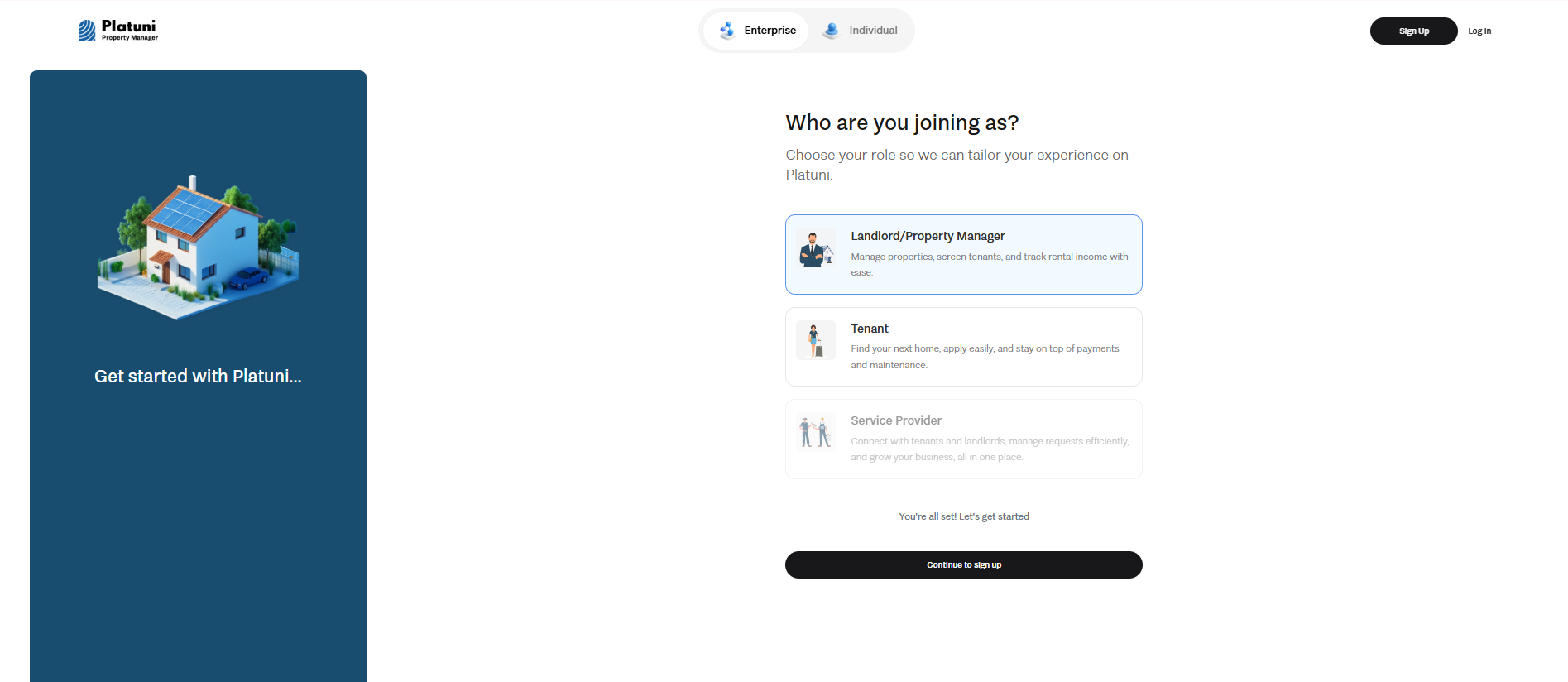
2. Enter your work email: Use an email connected to your business or property management operations. This becomes your primary login and is also where you will receive notices from residents and your team.
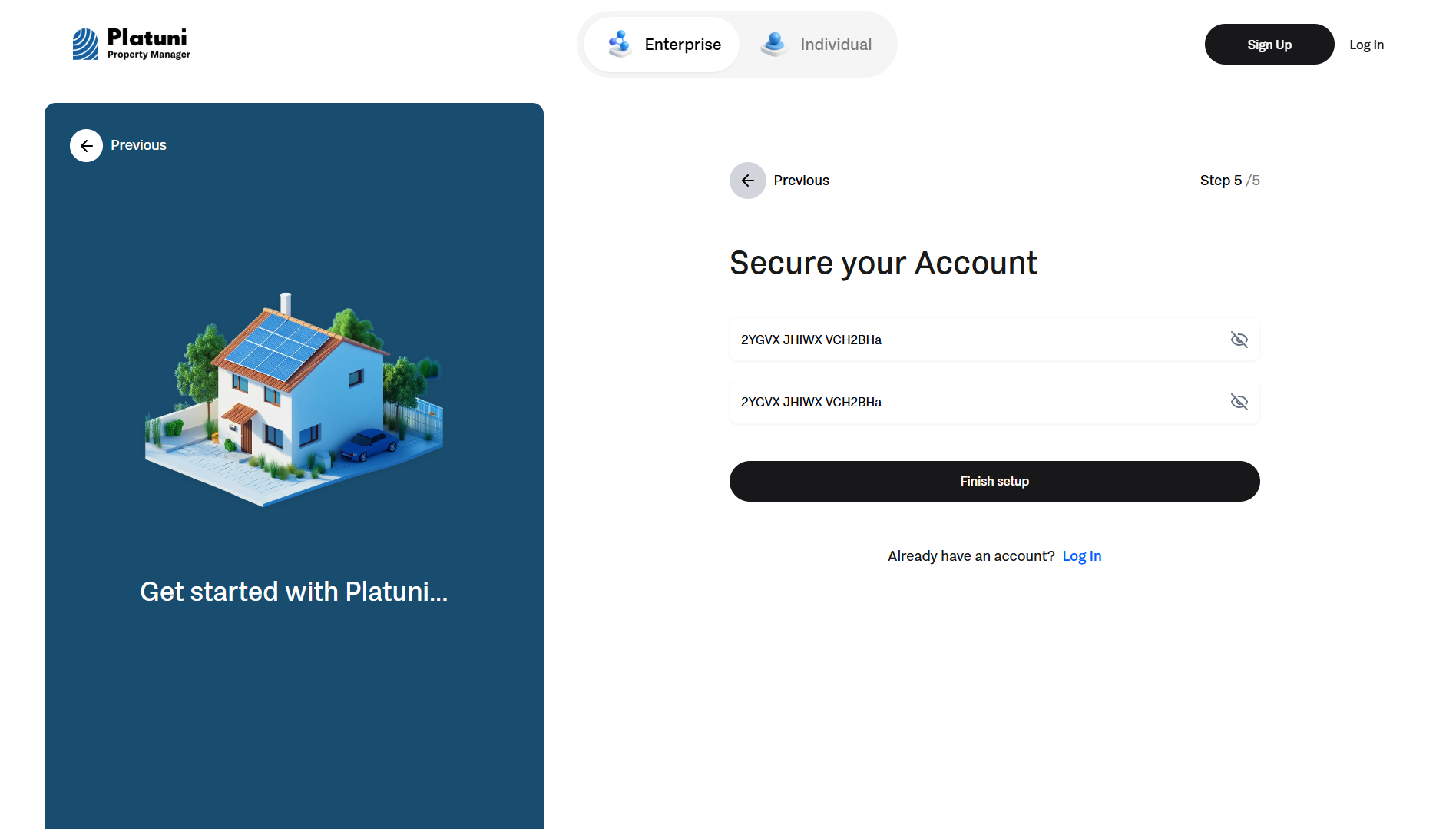
3. Create your password: Use a secure password that meets the platform’s safety requirements. This protects your account and prevents unauthorized access.
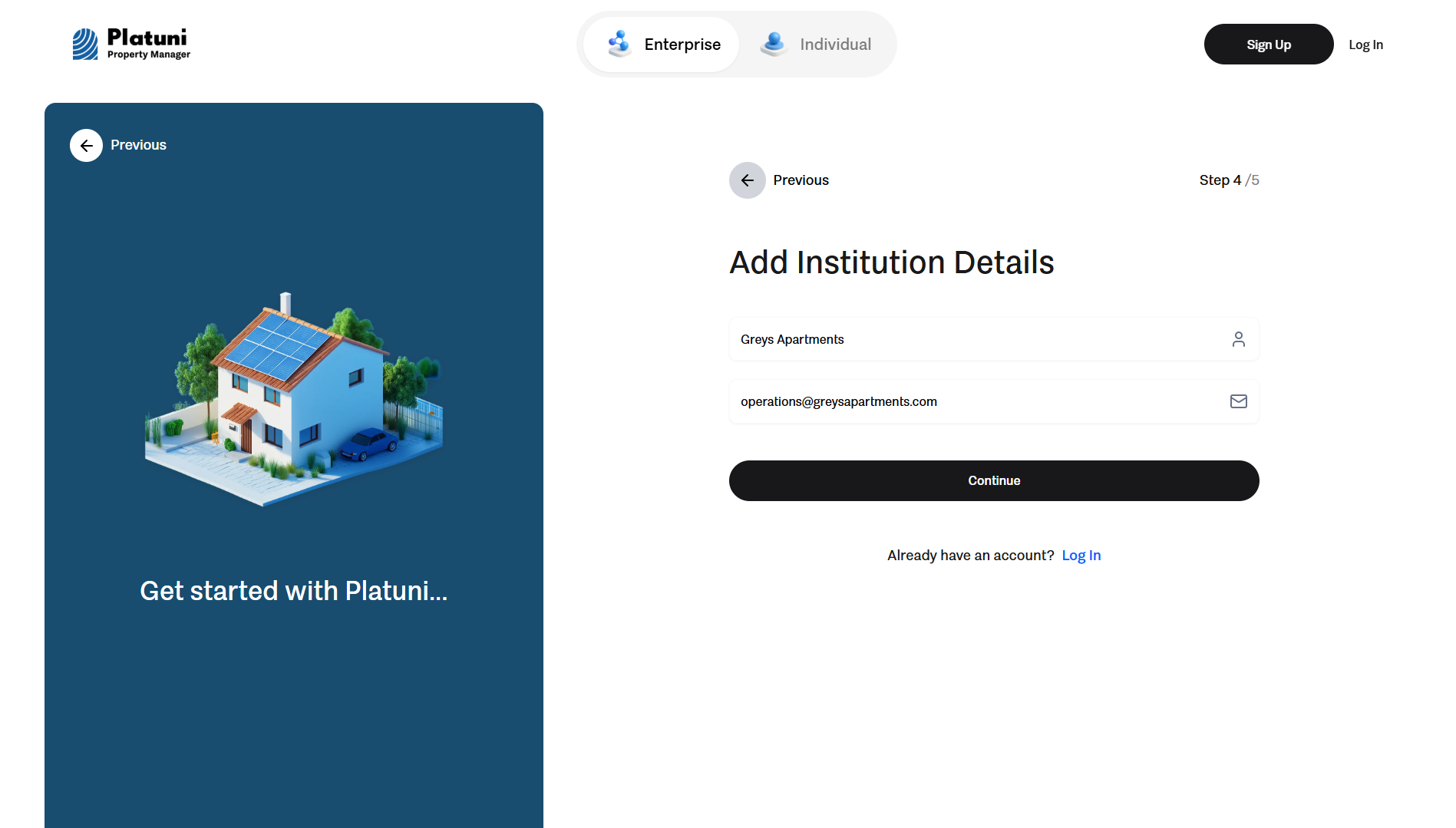
4. Provide initial company details: You will see prompts to begin entering basic business information before your account is fully created.
5. Submit your account for confirmation: After the first step of onboarding, you will receive an email asking you to confirm your address. Select the link inside to activate your profile.
Once these steps are complete, you will be directed to the platform to continue setup.
To complete your profile and begin using Platuni Property Manager, the system will ask for additional details about your organization. This ensures all legal and operational information is correct before payments, applications and maintenance tools are activated.
You will be prompted to enter:
• Legal business name The name that appears on your business registration or tax documents.
• Business contact email This can be the same address used at signup or a shared inbox for your team. Notices from Platuni will be sent here.
• Business address The mailing address for your company or management office.
• Primary phone number This helps residents know how to reach your team outside the platform if needed.
• Business category and size Examples include independent landlords, property management companies, student housing teams or community management groups.
• Optional supporting documents Some regions require proof of business registration or identity before enabling payment features. You may be asked to upload official documents during setup.
These details ensure that your profile is complete and ready for property onboarding.
Verification checks and timelines
For safety, Platuni uses a verification process before enabling core features such as payments and applications. These checks help confirm that your organization is genuine and that financial transactions are secure.
Verification may include:
• Email verification Confirms ownership of the address you used to register.
• Identity or business verification Ensures the person creating the account is connected to a real organization. You may be asked to confirm basic personal information or upload a government issued ID if your region requires it.
• Business information validation Matches the legal name, address and contact details you provided with public records.
• Bank account verification If you turn on online payments, your bank information must be validated before payouts can begin.
Timeline
Most verifications complete quickly.
• Email confirmation happens within minutes.
• Basic business verification often completes within the same day.
• Bank and payment verification may take one to three business days depending on your region and financial institution.
You can continue exploring the dashboard while these checks run in the background. Some features remain limited until verification is complete, but you can still add properties, units, team members, and documents during this time.
Stay Informed
Subscribe to the Platuni B2B Newsletter to receive industry insights,
new feature announcements, and exclusive growth reports