
Understanding the Platuni dashboard
by Platuni | 30 Dec, 2025 | 5 mins read
Platuni
30 December, 2025
5 mins read
The Platuni dashboard is the command center for your entire operation. It gathers every property, resident action and team activity into one organized view so that landlords, portfolio managers and housing teams can stay informed throughout the day. This guide explains how to navigate each main section, how notifications work and where to find the items that need your attention first.
Overview of the main navigation
The main navigation sits on the left side of the dashboard. Each section represents an essential part of property management and resident support.
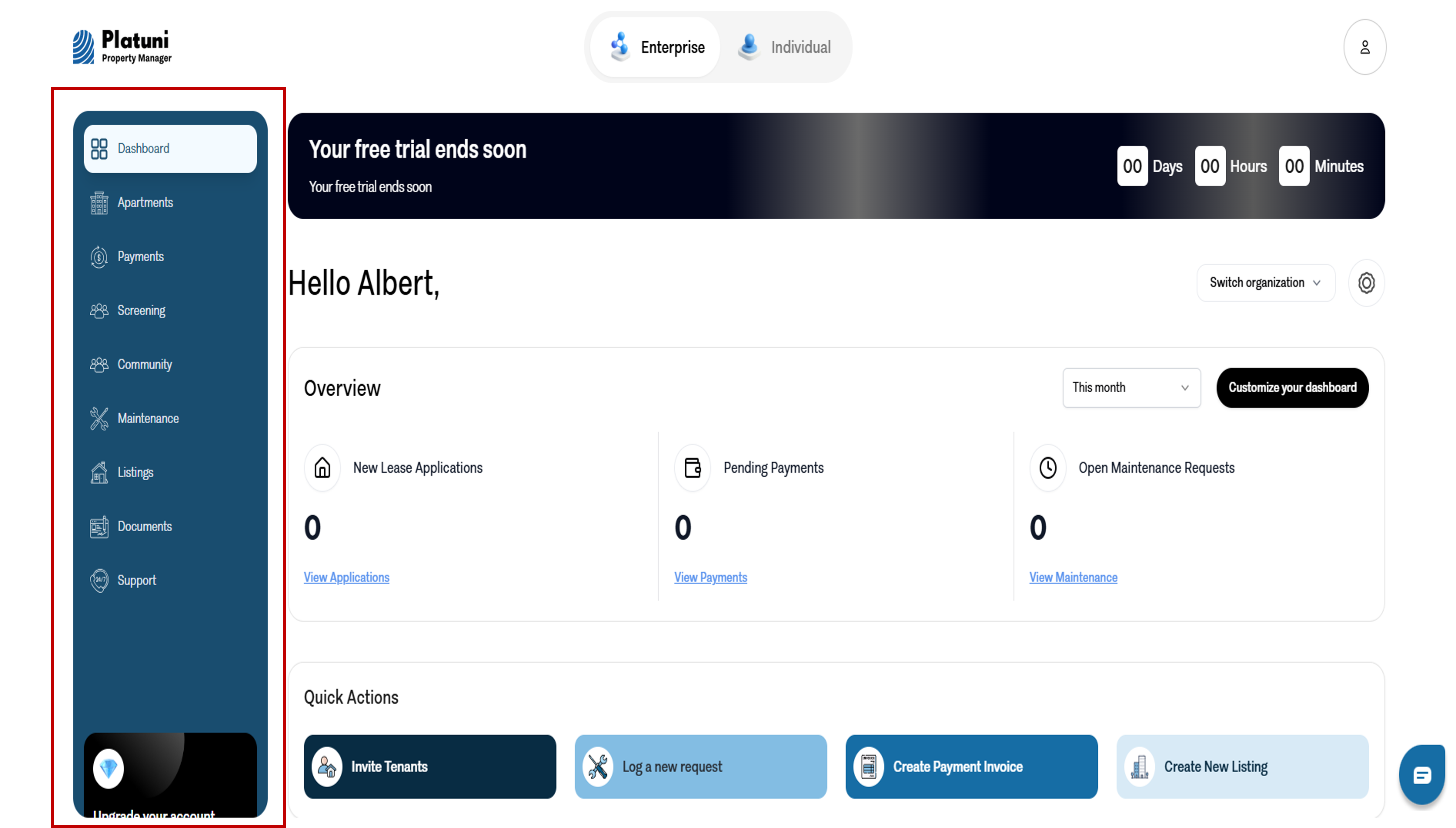
Properties This section holds your full portfolio. You can view all properties at once or select a single address to see its units, occupancy, rent settings, resident profiles and ongoing tasks. Properties are the foundation of the system because every payment, application and maintenance request connects to a unit inside this area.
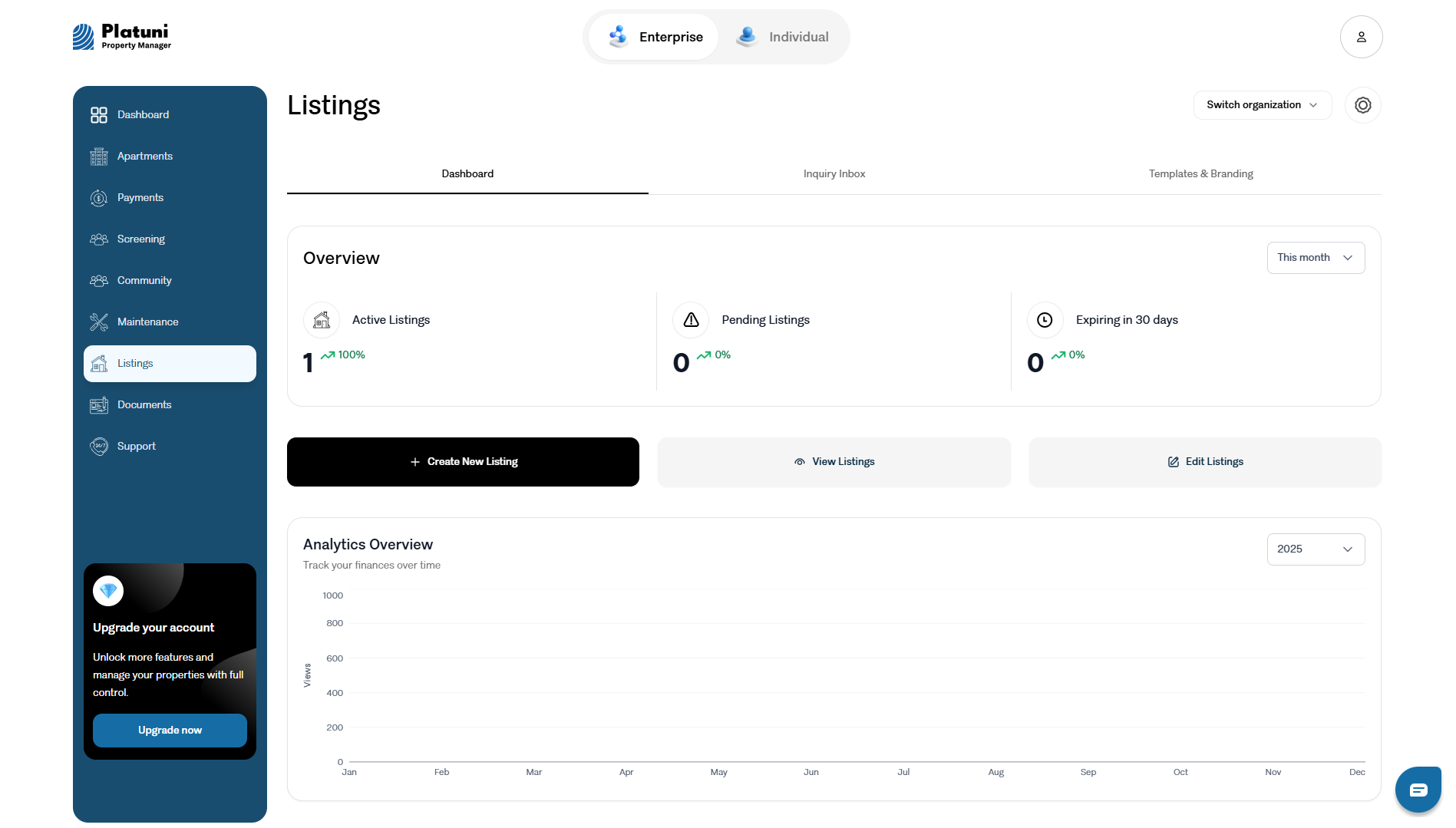
Listings This area shows all available units that are open to applicants. Each listing includes photos, prices, descriptions and any special conditions. From here you can update prices, pause a listing, review interest and prepare upcoming vacancies.
Applications Applications appear in an organized list where each submission is grouped by property and unit. You can review details, check documents, leave internal notes and move applicants through your workflow from received to approved. This section helps teams stay aligned on leasing decisions without losing track of conversations.
Payments All rent activity flows into the payments section. You will see charges, completed payments, overdue balances, partial payments and payout timelines. This view supports both daily monitoring and month end review. You can filter by property, date range or resident to understand what has been collected and what remains outstanding.
Maintenance
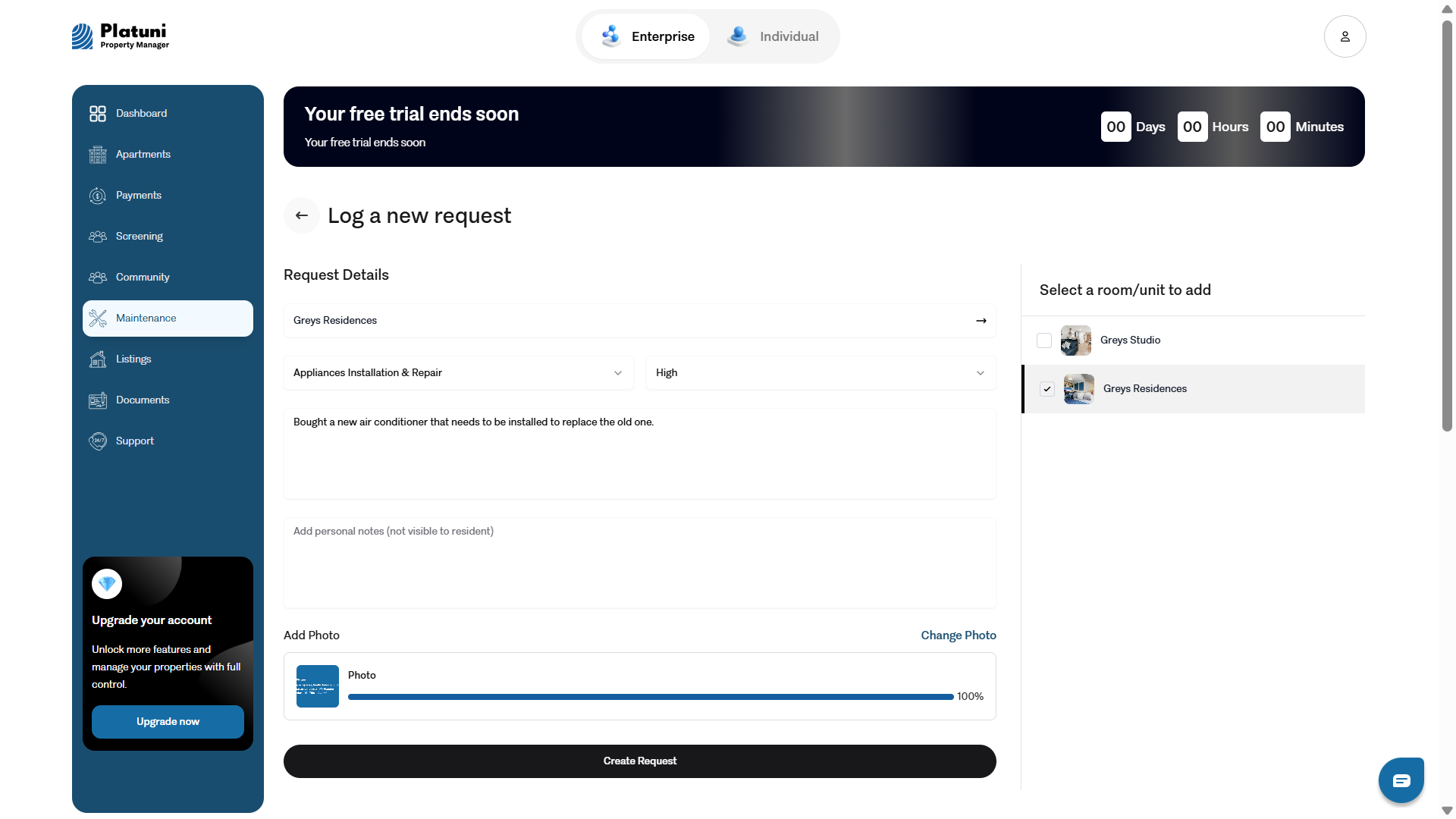
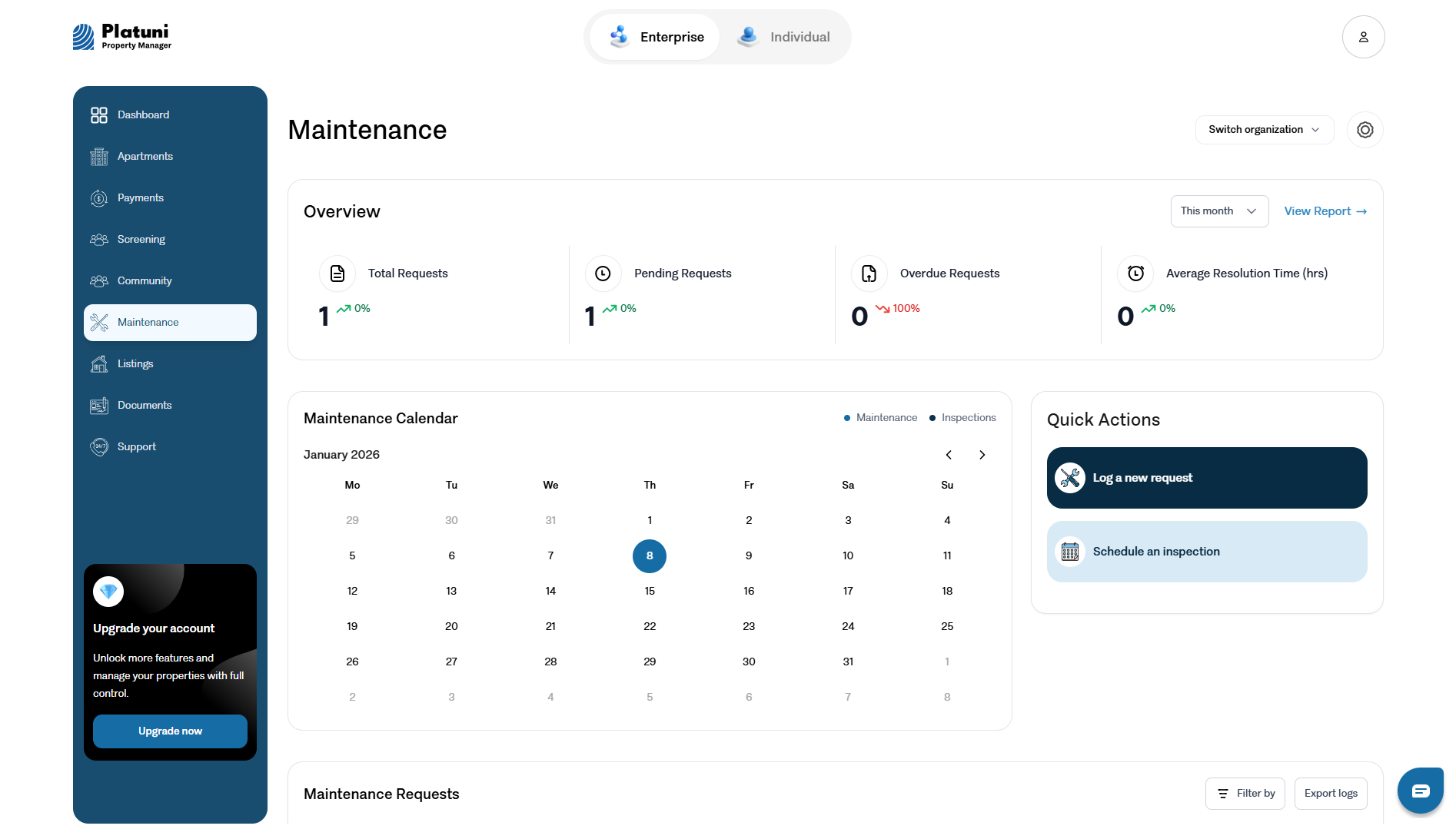
Requests submitted by residents appear here with photos, comments and urgency indicators. You can assign tasks to staff or vendors, update progress, schedule inspections and close out completed work. Maintenance management in Platuni is structured to reduce confusion and improve response times.
Documents All leases, notices, inspection reports and internal files live in this area. You can store templates, generate new documents, review signed agreements and organize folders by property or unit. Documents remain linked to the correct unit so your team can locate records quickly.
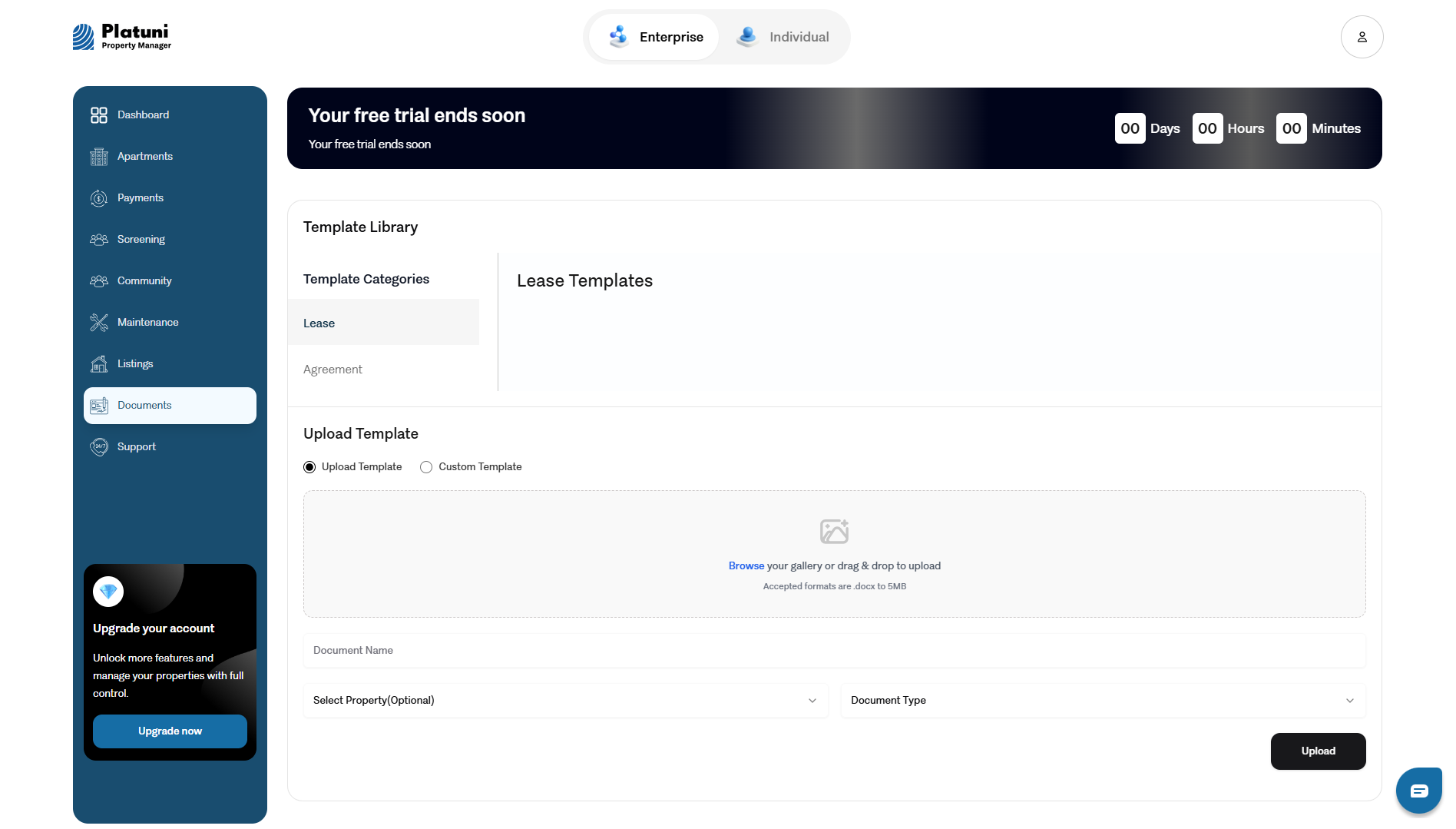
Reports This section offers insight into your portfolio. You can view occupancy, delinquency, rent trends, maintenance performance and other important measures. Reports give your team a clear understanding of how the business is performing and where attention is needed.
How notifications and tasks appear
The dashboard includes a dedicated notifications area. This section shows new applications, upcoming lease expirations, overdue payments, new maintenance requests and messages from residents. Each alert includes a direct link to the relevant page so you can take action without searching through multiple sections.
Tasks that require your attention appear in a concise list. These tasks include approvals, document reviews, pending charges, unassigned work orders and other items you or your team must complete. Platuni organizes these tasks by priority to keep your workflow clear even during busy periods.
Notifications and tasks update in real time. As applicants submit forms, residents pay rent or new requests arrive, your dashboard reflects the latest changes so you never miss important activity.
Where to see urgent items each day
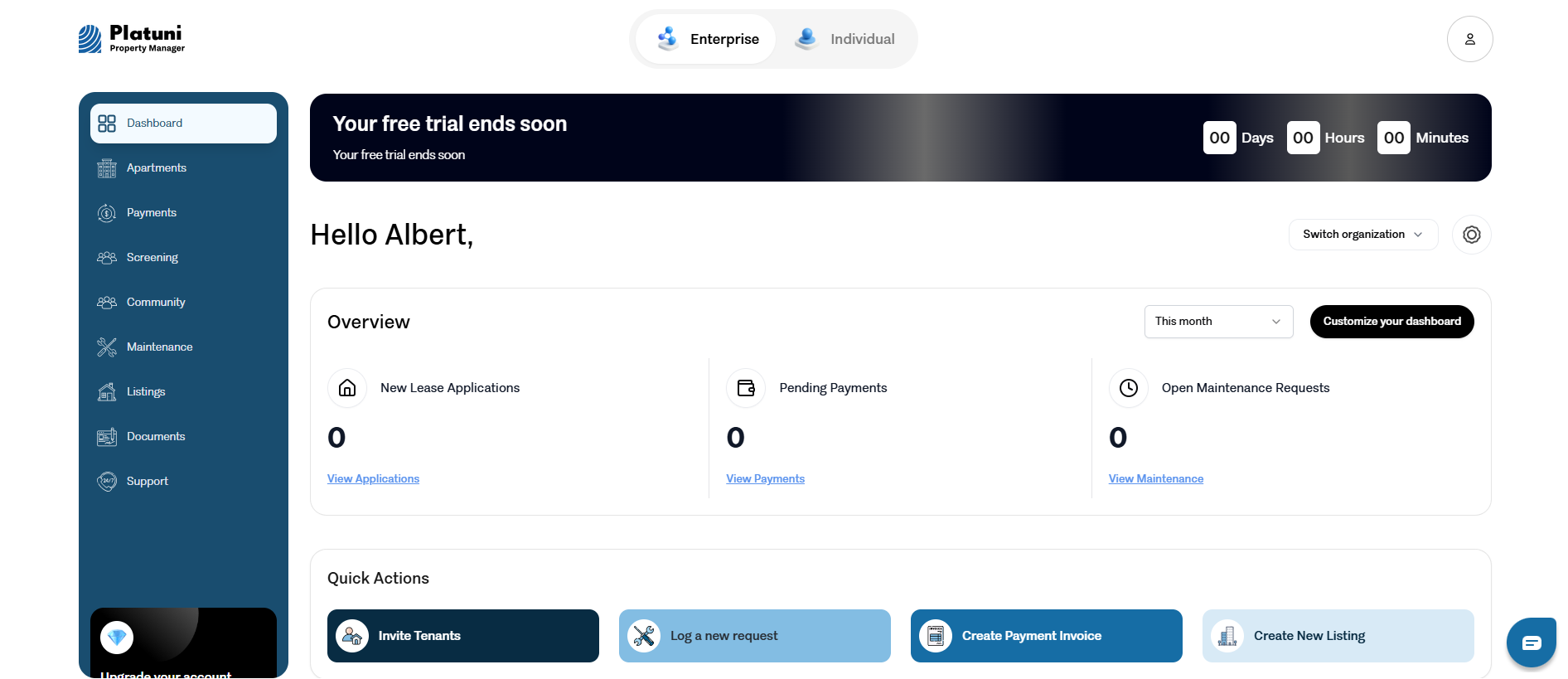
At the top of the dashboard you will find a clear view of the items that need action immediately. Platuni highlights overdue payments, urgent maintenance requests, pending approvals and any time sensitive issues. This section functions as your morning checklist. Many property teams use it as their daily starting point before moving on to other work.
Urgent items can also be filtered by property or by team members. This gives managers a quick way to see which buildings require attention and where staff support is needed.
Putting it all together
The Platuni dashboard brings organization, clarity and structure to your daily work. It gives you one place to view your properties, track activity, manage communication and respond to residents. Once you are familiar with each section, your entire team can complete tasks faster and provide a smoother experience for your residents.
Stay Informed
Subscribe to the Platuni B2B Newsletter to receive industry insights,
new feature announcements, and exclusive growth reports